
Edit and save your files with your favorite editor. SyncMySite will detect the save and upload the files to your website automatically. SyncMySite monitors the directories you specify and uploads any new or modifed files, allowing you to upload with the Save command in your editor.
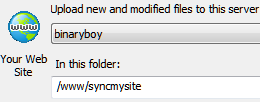 Easy setup
Choose a folder to monitor and a location on your site to upload to, then start editing and saving.
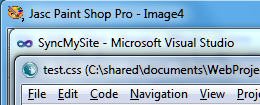 Works across multiple editors
Switch or use multiple editors and SyncMySite will continue to work, allowing you to use the best tools for the job.
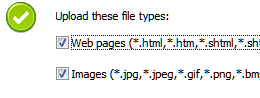 Upload only relevant files
By default, SycnMySite uploads only common file types, excluding unnecessary project and temporary files. Easily exclude or include additional types in each task's settings.
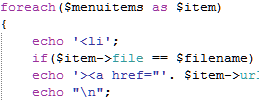 Debug scripts more quickly
With automatic uploading, you can test your changes right away, allowing you to focus on your code rather than website maintenance.
SyncMySite is a powerful and extremely useful solution based on a simple concept. The program monitors one or several folders on your hard drive and uploads modified files to associated remote folders whenever it detects a change. Since the program does not integrate with any particular editor or IDE, it's completely compatible with all of them.